台股 · 美股 · 記帳 APPTW & US STOCKS · PORTFOLIO LEDGER

你負責截圖,
它負責記帳。
You snap it.
It keeps the books.

記得清楚,就不用天天看。Clear records mean you don't have to keep checking.

對帳單丟進來,它讀、你確認。配股配息自己補,成本自己對,所有持股一頁看完。Drop in a statement — it reads, you confirm. Dividends and splits fill themselves in, costs work themselves out, and every holding sits on one page.


iPhone 免費下載、不用登入 · Android 留 email,上線那天通知你Free on iPhone, no account · Android: leave your email, I'll write when it ships
try it

同一個戶頭,
幫誰買的,
分得開。
One account.
Bought for whom?
Kept apart.

幫爸媽、小孩買的,各自一條線、各算各的成本。點右邊切換看看。What you bought for your parents or your kids gets its own line and its own cost basis. Tap to switch.

我的總資產My total(示意) (sample)

NT$ 1,284,600

  • 台積電 23301,000
  • 元大台灣502,000
  • VOO10

不登入。No sign-up.

不用註冊、不用 email、不用綁券商帳號,打開就能用。No account, no email, no broker login. Open it and go.

不吵你。No nagging.

不為了每一次跳動叫你。想看的時候再打開。It won't ping you over every tick. Open it when you feel like it.

不報明牌。No tips.

不排名、不比誰賺得快。這是記帳本,不是看盤軟體。No leaderboards, no race. It's a ledger, not a trading terminal.

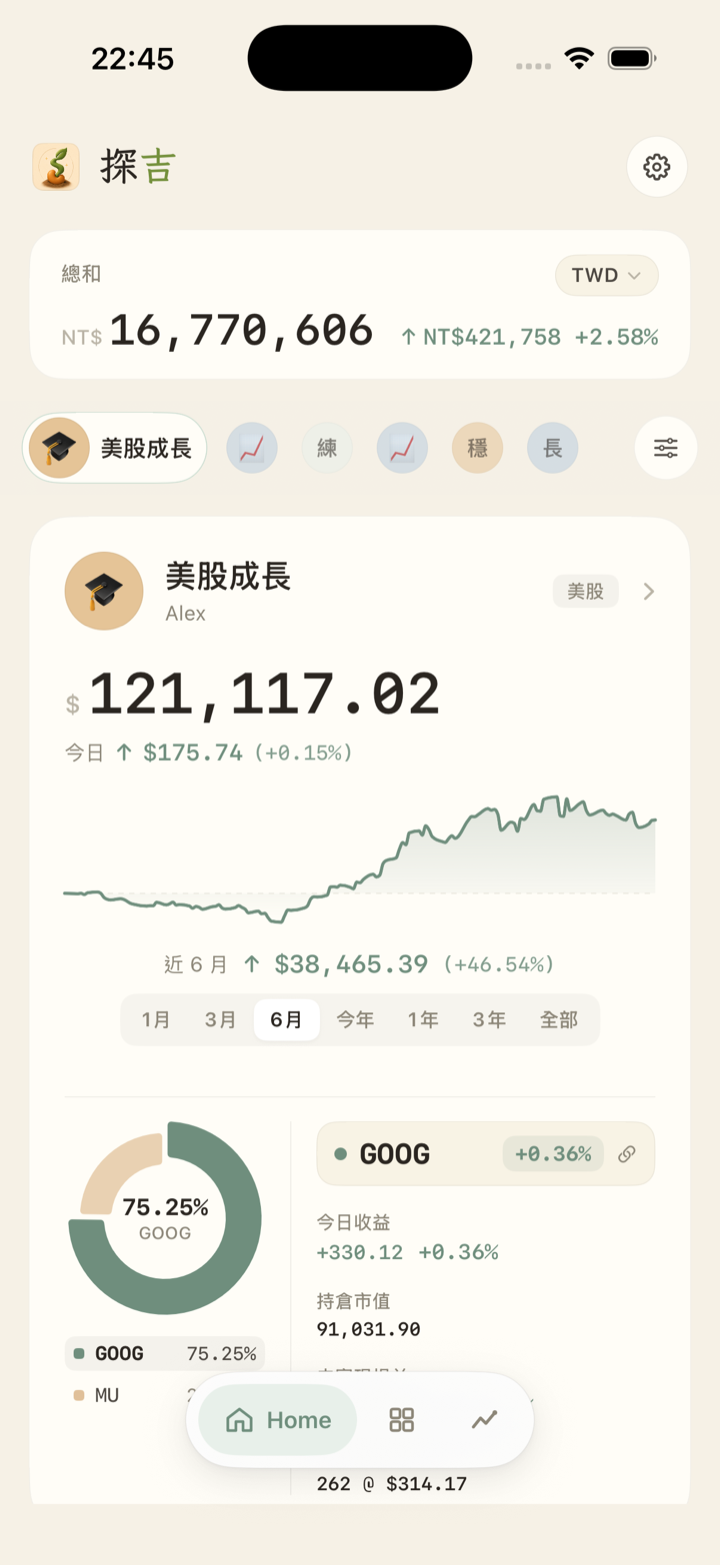
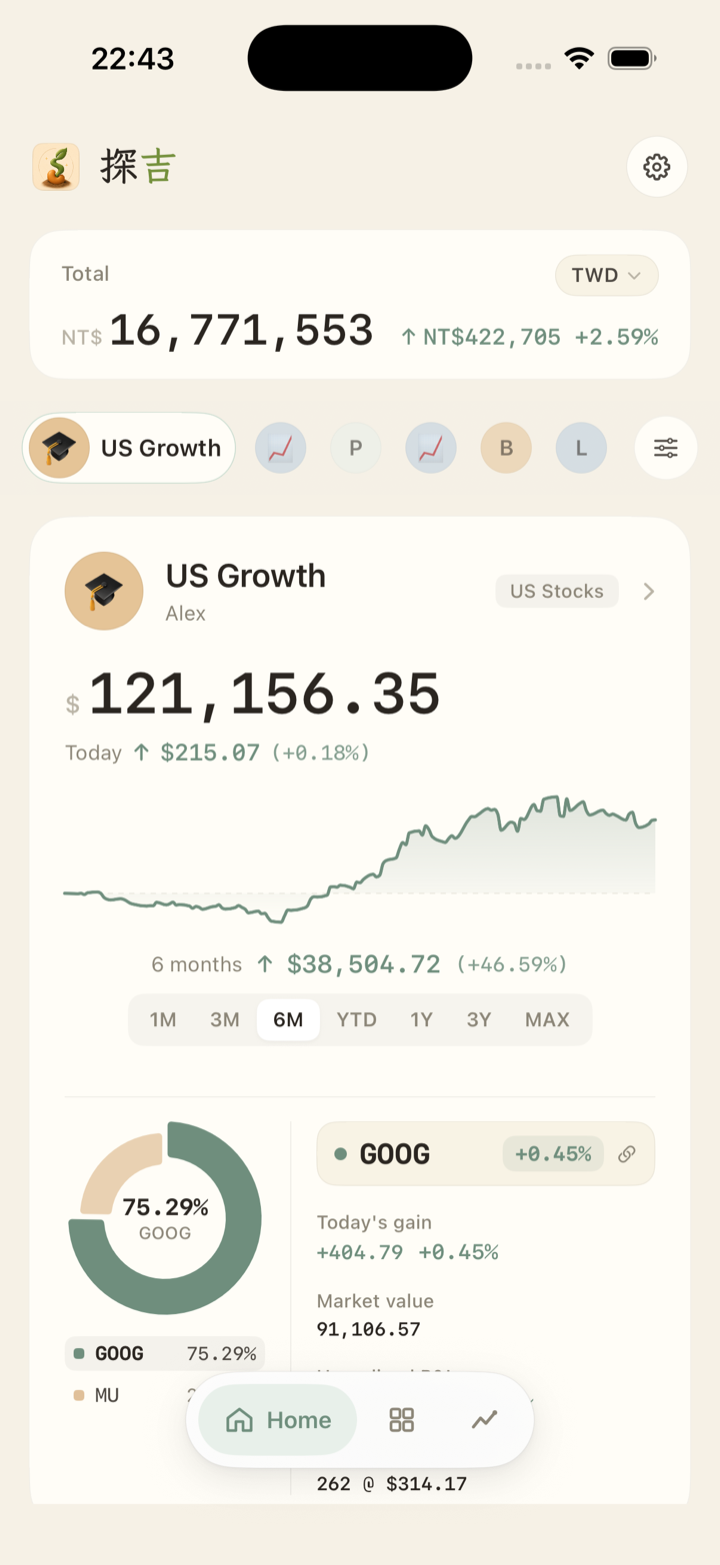
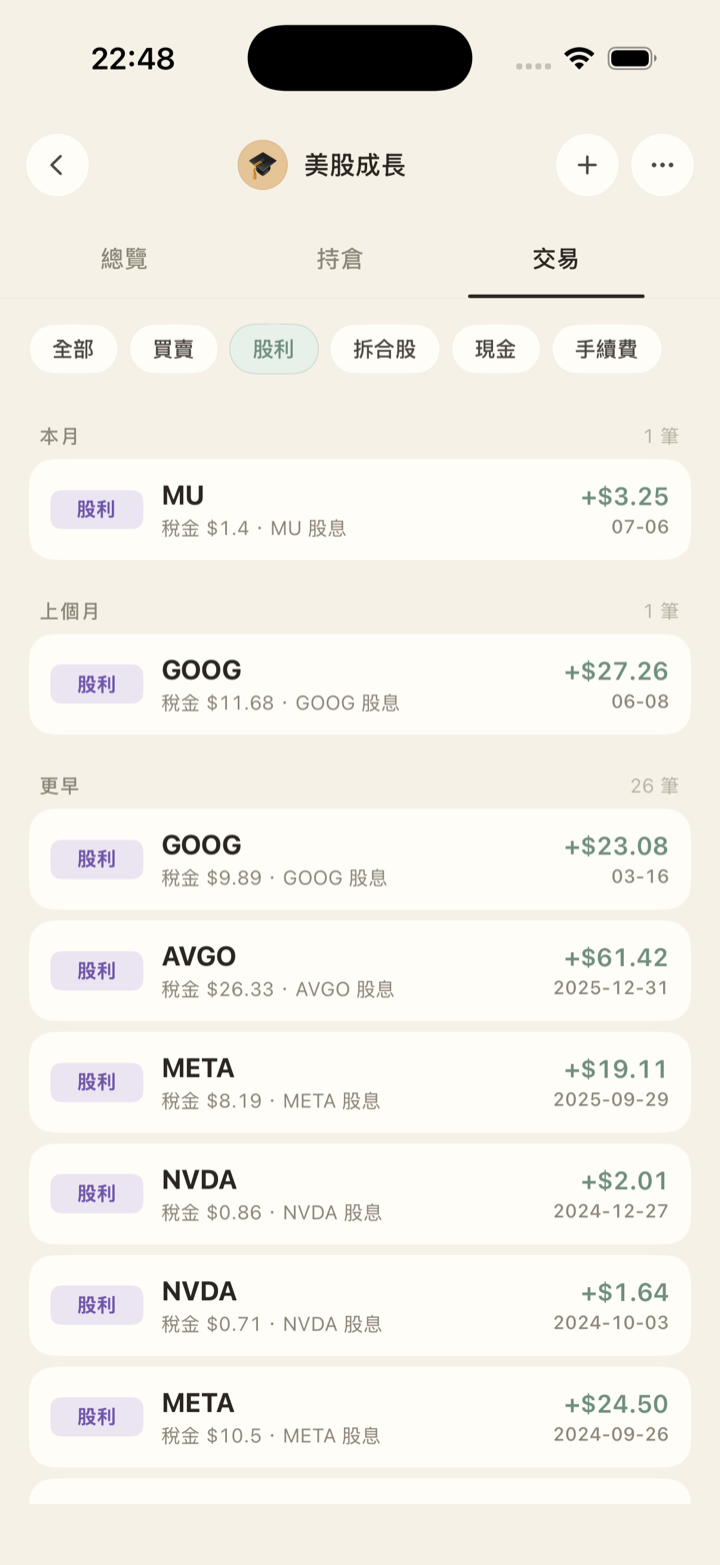
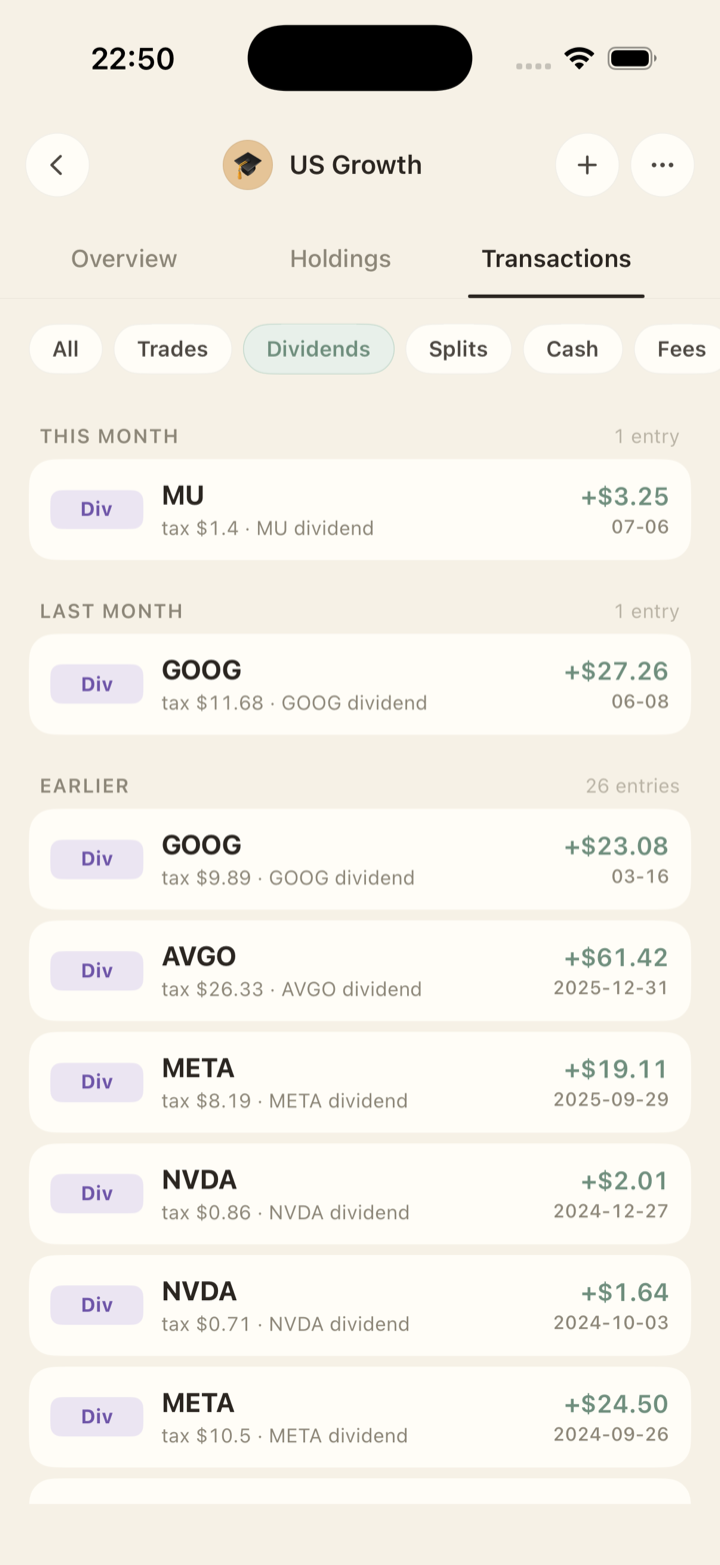
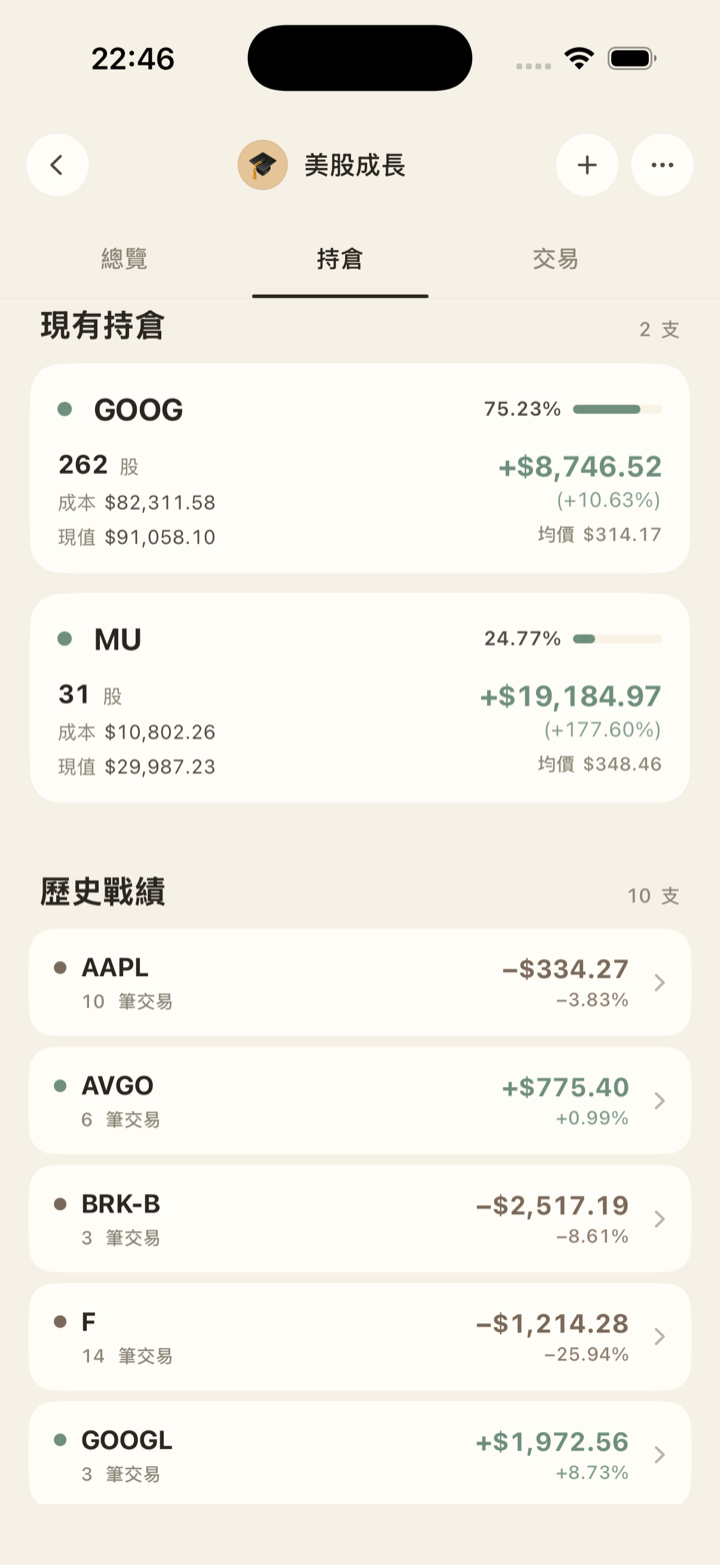
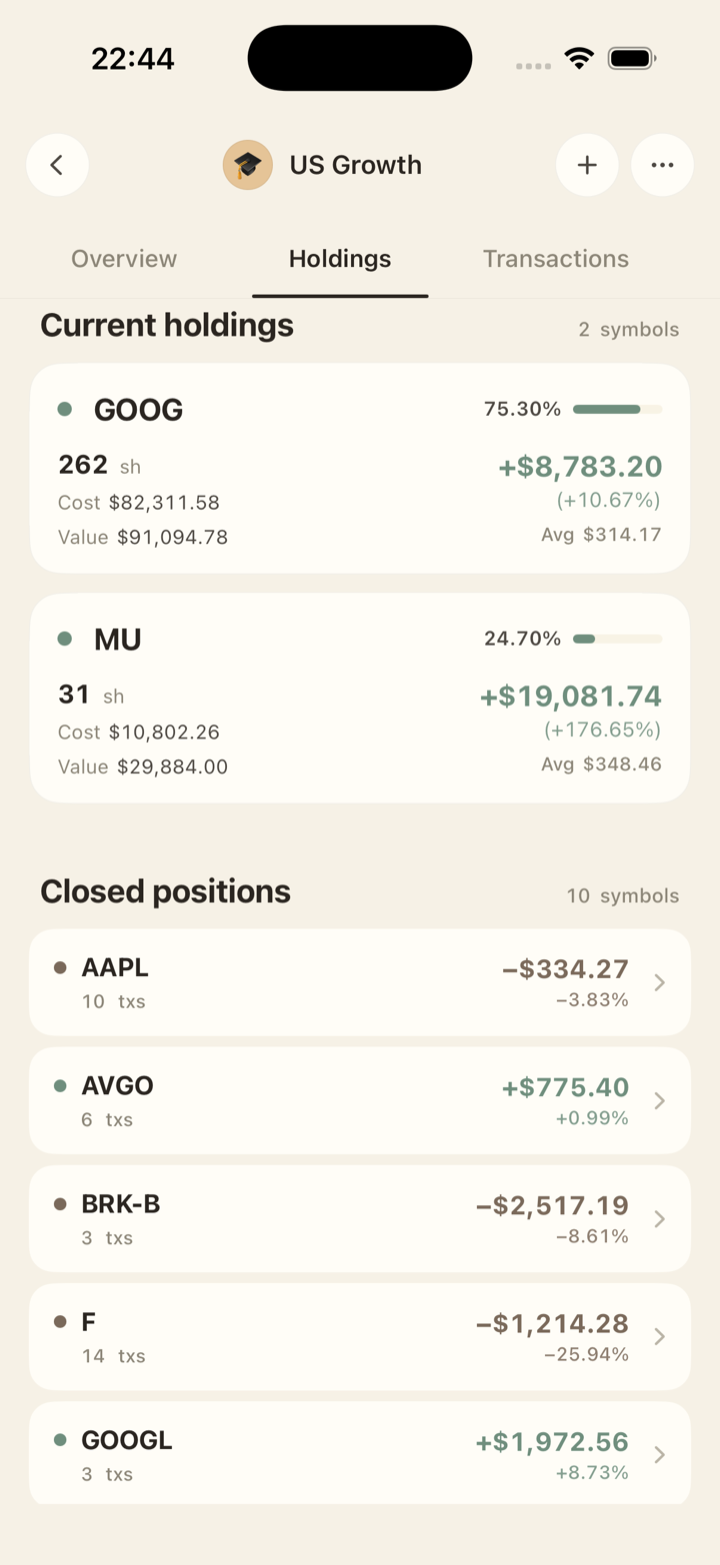
這是它真正的樣子What it actually looks like

探吉 App — 持股清單畫面 Sennaby app — holdings screen
所有持股,一頁看完Every holding, one page
探吉 App — 資產曲線畫面 Sennaby app — asset curve screen
曲線從第一筆畫起,跟大盤比Your curve vs the index, from trade one
探吉 App — 配息紀錄畫面 Sennaby app — dividend history screen
配股配息,自己補上Dividends fill themselves in

這是記帳和看紀錄的工具,不是看盤軟體,也不會叫你買什麼。This is for keeping records and reading them back — not a trading terminal, and it won't tell you what to buy.

今天,
畫下第一個點。
Start your curve
today.

在 App Store 下載探吉 Sennaby Download Sennaby on the App Store

Android 版,排隊中Android is coming

✓ 收到了,Android 版上線那天通知你。✓ Got it — I'll email you the day Android ships.

送出失敗,請稍後再試一次。Something went wrong — please try again later.

一筆一筆記,
一年一年吉。
Your curve, from your very first trade.